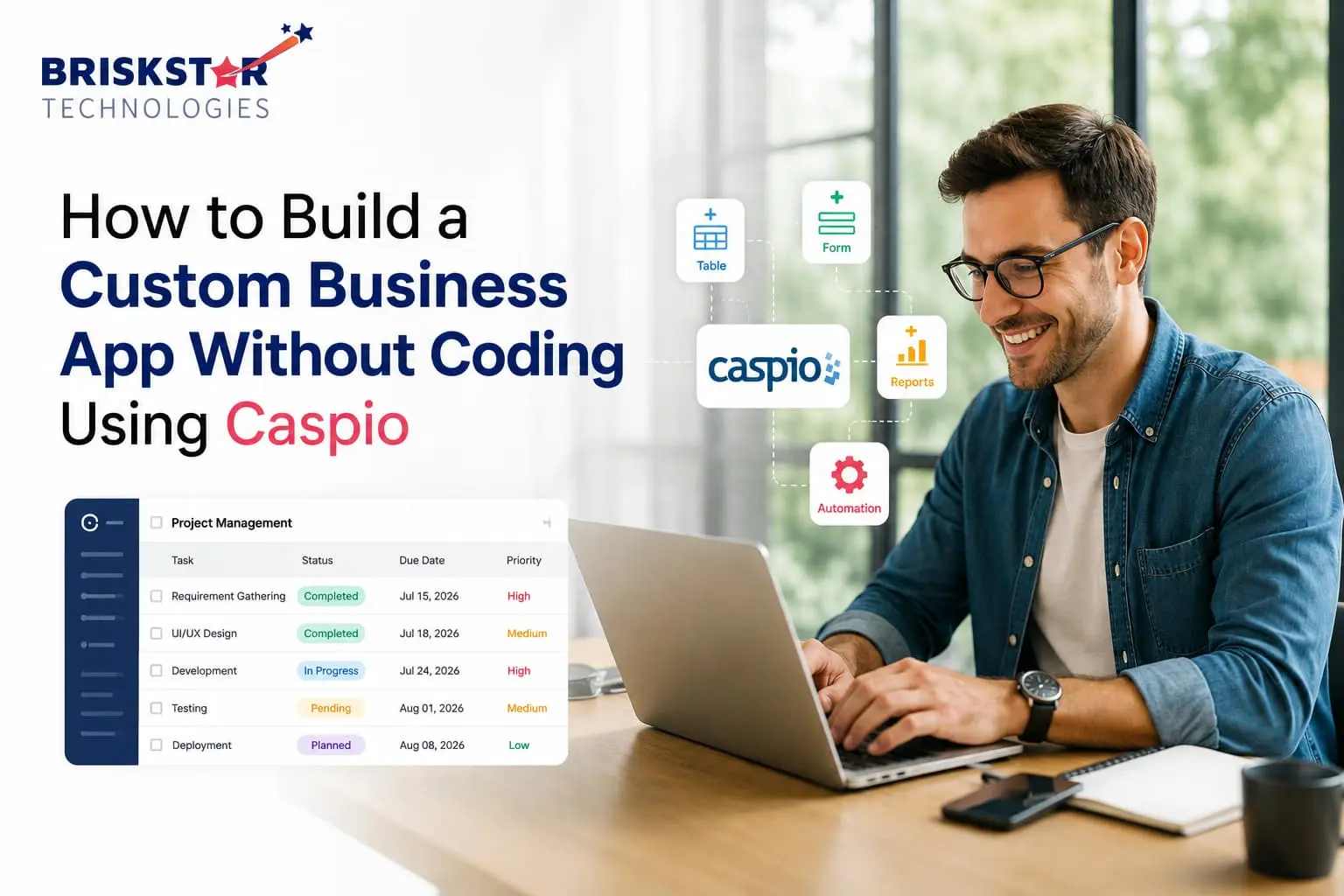
How to Build a Custom Business App Without Coding Using Caspio Step-by-Step
Caspio is one of the few no-code platforms built specifically for custom business applications rather than websites or landing pages. If you’ve been quoted $40,000+ and a 4-month timeline for a simple internal tool, Caspio is worth understanding before you sign that contract.
At Briskstar, we’ve helped teams evaluate and sometimes replace expensive custom builds with Caspio apps that ship in weeks. This guide walks through exactly how the platform works, step by step, and where it genuinely stops being enough.
In short: Caspio lets non-developers build database-driven apps (CRMs, portals, trackers, approval workflows) using visual tools instead of code but it has real limits worth knowing upfront.
What Is Caspio?
Caspio is a cloud-based, no-code application development platform designed for building database-driven business applications think internal tools, customer portals, and workflow apps without writing backend code.
Example: A logistics company needs a driver-scheduling tool with role-based access, automated email alerts, and a reporting dashboard. Instead of hiring a development team, an operations manager builds it in Caspio using drag-and-drop DataPages (Caspio’s term for forms, reports, and dashboards).
In short: Caspio turns spreadsheet-level thinking into a real, secure, multi-user web application.
Why Businesses Choose Caspio Over Custom Development
Most companies don’t reach for Caspio because they love no-code as a concept. They reach for it because custom software procurement is slow and expensive.
We’ve sat across the table from founders who spent 3 months just getting a development quote. Caspio compresses that timeline because the data model, forms, and permissions are configured visually not architected from scratch.
- Speed: Functional prototypes in days, production apps in weeks
- Cost control: No dedicated dev team required for most internal tools
- IT ownership: Business teams can maintain the app without filing tickets
- Compliance-ready infrastructure: HIPAA and GDPR-aligned hosting out of the box
Most people think Caspio is just a “toy tool,” but the platform actually powers HIPAA-compliant healthcare portals and production-grade financial reporting systems. That’s the gap most comparisons overlook.
Caspio vs Other No-Code Platforms
| Platform |
Best For |
Database Depth |
Learning Curve |
Compliance (HIPAA/GDPR) |
| Caspio |
Business apps, portals, internal tools |
Strong (relational) |
Moderate |
Yes, built-in |
| Bubble |
Web apps, marketplaces, MVPs |
Moderate |
Steep |
Limited, add-on required |
| Airtable |
Spreadsheets-as-databases, light apps |
Weak-Moderate |
Low |
Limited |
| Zoho Creator |
SMB workflow apps within Zoho ecosystem |
Moderate |
Moderate |
Partial |
In short: If your core need is a secure, database-heavy internal application not a public-facing product Caspio is usually the tighter fit.
Step-by-Step: Building Your First Caspio App
Here’s the process we walk clients through when scoping a Caspio build.
- Define the data model before touching the platform List every entity your app needs (Customers, Orders, Assets, Requests) and how they relate. Skipping this is the #1 reason Caspio projects get rebuilt halfway through.
- Create your Caspio account and choose a plan Start on a free trial to validate feasibility before committing to a paid tier.
- Build your Tables Caspio Tables work like structured database tables define fields, data types, and relationships (one-to-many, lookup fields) here first.
- Build DataPages DataPages are the forms, reports, and dashboards users interact with. You’ll typically need:
- Submission forms (data entry)
- Report DataPages (search, view, filter)
- Update/Delete DataPages (edit records)
- Add business logic Use Triggered Actions for automation send an email when a status changes, update a related record, or notify a manager on approval.
- Configure user roles and permissions Caspio’s authentication system lets you restrict which DataPages, records, or fields specific user roles can see or edit critical for HR, finance, and healthcare use cases.
- Design the interface Apply Caspio’s styling tools or embed DataPages into your own HTML/CSS shell for full brand control.
- Test with real users, not just yourself. Run at least one full workflow cycle with an actual end-user before launch permission errors surface here, not in development.
- Deploy and embed Publish DataPages to your website, an internal portal, or Caspio’s own hosted app page.
- Maintain and iterate Because it’s no-code, minor changes (new field, new report) don’t require a developer this is where the long-term cost savings compound.
Real-World Use Cases
- Healthcare: Patient intake forms and HIPAA-compliant referral tracking portals
- Real Estate: Property management dashboards and tenant request systems
- Manufacturing: Inventory tracking and equipment maintenance logs
- Professional Services: Client portals with document upload and approval workflows
Hum jab clients ke saath ye evaluate karte hain, ye 4 categories 80% of Caspio use cases cover karte hain most other requests are variations on the same pattern (data in, workflow, data out).
Caspio Pricing Breakdown
| Plan Tier |
Typical Use Case |
Approx. Monthly Cost |
| Free |
Testing/prototyping |
$0 |
| Explore/Build |
Small internal tools, single app |
$150–$400 |
| Grow/Corporate |
Multiple apps, higher user volume |
$600–$1,500+ |
| Enterprise |
Complex, compliance-heavy deployments |
Custom pricing |
In short: Even the higher tiers usually cost a fraction of a custom-built equivalent but factor in setup time (yours or an implementation partner’s) as a real cost.
Security & Compliance
Caspio’s infrastructure supports HIPAA, GDPR, and standard enterprise security controls (role-based access, audit trails, encrypted data at rest and in transit). This is one of the biggest differentiators versus lighter no-code tools; it’s why healthcare and financial services teams can actually use it in production, not just for internal prototypes.
That said, compliance is a shared responsibility Caspio provides the infrastructure, but your app configuration (permissions, data handling, retention rules) still needs to be built correctly.
When NOT to Use Caspio (Critical Section)
No-code isn’t a universal answer, and pretending otherwise sets teams up for a painful rebuild.
- You need a native mobile app with offline functionality Caspio is web-first
- Your app requires heavy custom algorithms or AI/ML processing better suited to custom backend development
- You expect to integrate deeply with 8–10+ third-party systems possible, but integration complexity grows fast
- You’re building a consumer-facing product meant to scale to millions of users Caspio is built for business apps, not high-traffic public products
- Your team needs full source-code ownership for investor/IP reasons
Objection: “Doesn’t that mean no-code is just a stopgap?”
Answer: Not necessarily many production apps run on Caspio indefinitely. It becomes a stopgap only when the use case outgrows the platform’s architecture.
Proof: Briskstar has migrated 15+ client apps from Caspio to custom stacks in every case, the trigger was scale or algorithmic complexity, not day-to-day functionality gaps.
CTA: Not sure which category you’re in? Talk to our solutions team for a free architecture review.
Common Mistakes to Avoid
- Skipping the data model planning phase leads to rebuilding tables mid-project
- Over-permissioning user roles creates security gaps that surface later
- Not testing with real end-users permission and workflow issues only show up in real use
- Treating Caspio like a website builder it’s a database application platform, not a CMS
The Future of No-Code App Development
Going into the second half of 2026, we’re seeing three consistent shifts: AI-assisted DataPage generation (describing a workflow in plain language to scaffold it), deeper API-first integrations with enterprise systems, and growing enterprise comfort with no-code for compliance-sensitive apps not just internal prototypes.
Conclusion
Caspio gives non-technical teams a real path to building secure, database-driven business apps without waiting on a development queue or a five-figure invoice. It’s not the right fit for every use case but for internal tools, portals, and workflow apps, it’s often the fastest, most cost-effective route to production.
Not sure if your project fits Caspio, or needs custom development instead? Talk to Briskstar for a free architecture review. We’ll tell you honestly which route fits, even if that means recommending you skip us entirely.
Frequently Asked Questions About Our Blog
Caspio requires no traditional coding, but comfort with logical thinking (data relationships, workflow logic) helps significantly. Non-technical users can build simple apps; complex apps benefit from some technical guidance.
Simple internal tools: days to 1–2 weeks. Multi-role apps with automation and integrations: 3–8 weeks depending on complexity.
Yes, through Caspio's REST API and available connectors, though deeper integrations may need developer support to configure correctly.
Yes many businesses embed Caspio DataPages directly into customer portals and public-facing websites using its styling and embedding options.
Data can be exported, and most teams migrate the underlying logic to a custom-built application. Planning your data model well in Caspio makes this transition smoother later.
For basic apps, no. For apps involving complex automation, advanced integrations, or custom UI beyond Caspio's styling tools, a developer or implementation partner speeds things up and avoids rework.
Yes Caspio supports HIPAA and GDPR-aligned configurations, but your app's specific setup (permissions, data handling) must be built correctly to meet compliance requirements.
A basic custom-built internal tool can run $15,000–$50,000+ upfront. A comparable Caspio app typically costs a few hundred dollars a month plus setup time, often 80–90% less over the first year.